To log in #
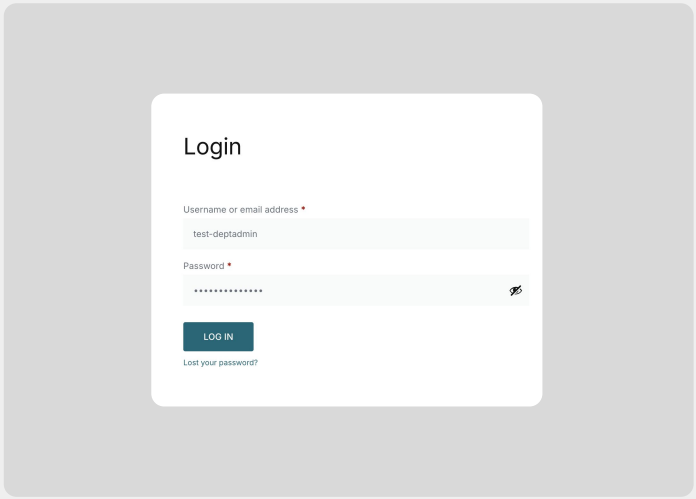
- Open your web browser and navigate to the website admin login page.
http://shop.maynoothuniversity.ie/wp-admin - Enter your assigned username and password.
- Click Log In.
- If prompted, complete any two-factor authentication steps.
- Once logged in, review the left-hand admin menu.
Logging out securely #
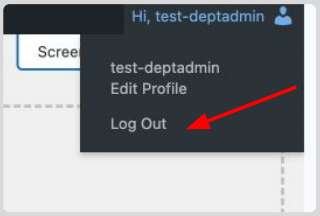
To log out securely, click your profile icon in the top-right corner and select Log Out.
Password reset #
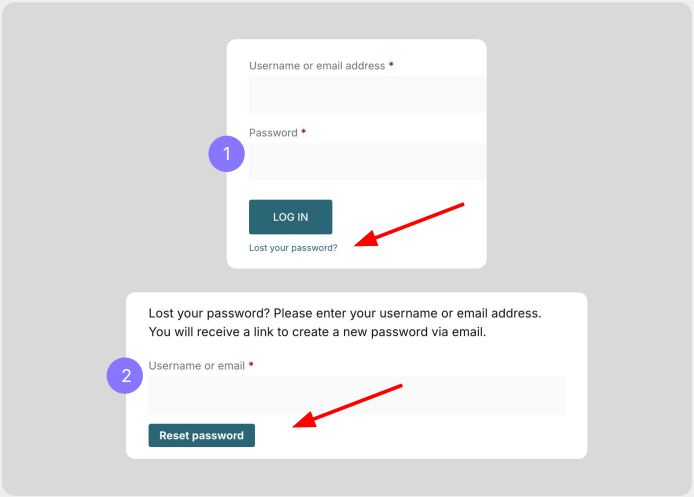
- Click Lost your password? to generate a reset email.
- Enter your email address, click Reset password and a reset link will be sent to your registered email.
- Follow the instructions in your email to set a new password for your account.