
If an order has not been paid in full through the checkout process (excluding Service Orders), it will be flagged as either a Failed Payment or Pending Payment order.
- Open the order details.
- Open the order details and review the payment notes and order history. Notes from the payment gateway will appear here, indicating whether the payment was successful or declined. Any rejection codes or reasons for failure will also be displayed.
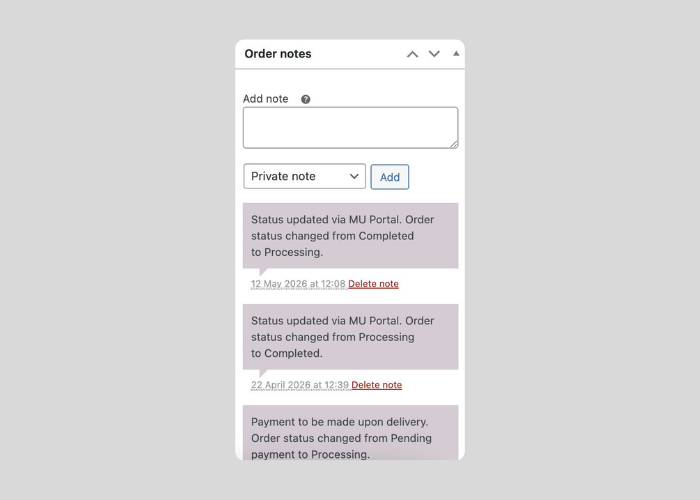
Key notes:
- Do not manually complete unpaid orders.
- Some failed orders may resolve automatically after retry attempts.


