
Objective: manage the order fulfilment process.
- Open the order from the Orders screen by clicking on the order number.
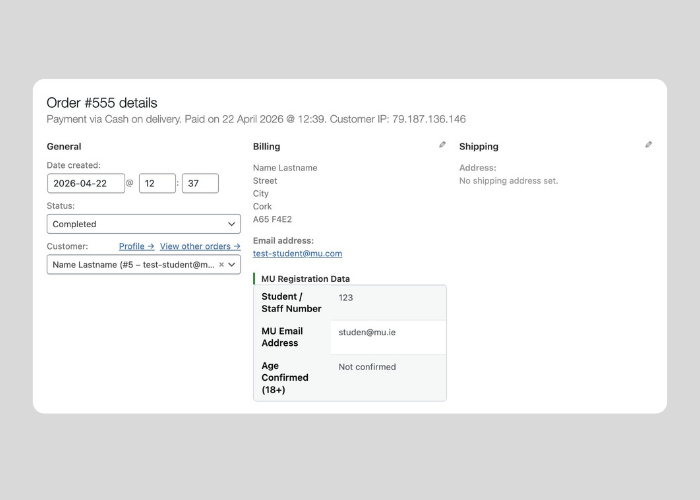
- Review customer and product details.
- Follow your departmentʼs process for order fulfillment.
- Add internal notes if required.
- Update the order status to either Processing, Completed or On Hold. Each of these order status changes triggers an email to the customer to inform them of their order status.
- Save changes.
Key notes:
- Ensure products are ready before marking completed.
- Use order notes to track internal actions.


