
Adding an image gallery #
When you create a product, you’ll have the option to add a product gallery, so that customers can view more images of your product.
Opening product image or gallery images will take you to the media library. The Media Library holds all images that are currently used on the website, you can select an image already in use or upload an image for your product or gallery.
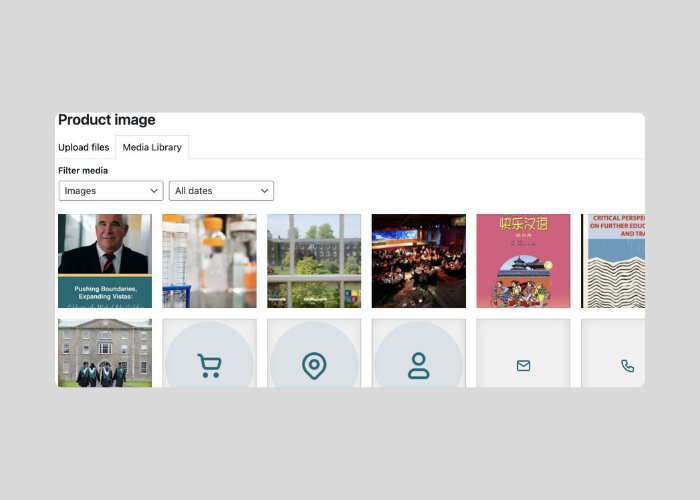
Image guidelines #
The images used on the website are portrait images so for the image used on the products a 4:5 ratio is usually the safest and most versatile option.
Examples:
- 1200 x 1500 px
- 1600 x 2000 px
Why 4:5 works well:
- Tall enough for portrait products like clothing, bottles, books, posters, etc.
- Looks good in modern product grids on desktop and mobile
A few practical guidelines:
- Leave some whitespace around the product so automatic cropping doesnʼt cut things off.
- Aim for at least 1200px wide for zoom quality.
- Use JPG for photos, PNG/WebP if transparency is needed.


