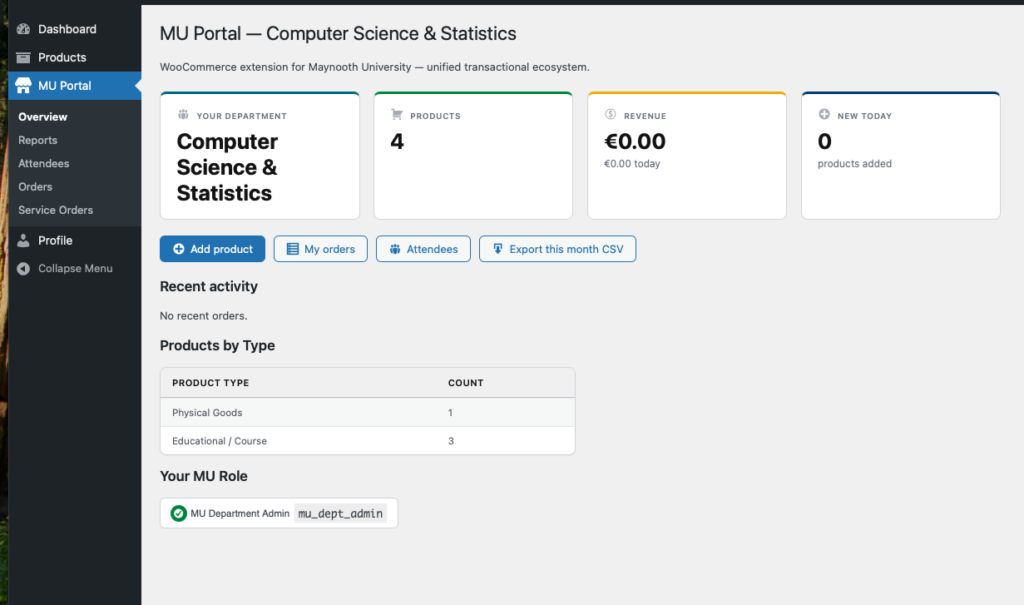
Understanding the dashboard #
The MU Portal overview section shows at a glance information such as the number of products and product types you have, revenue to date, new products and your registered MU Roles.
This screen links through to Orders, event Attendees and a monthly report quick export.
MU Portal Sales Reports #
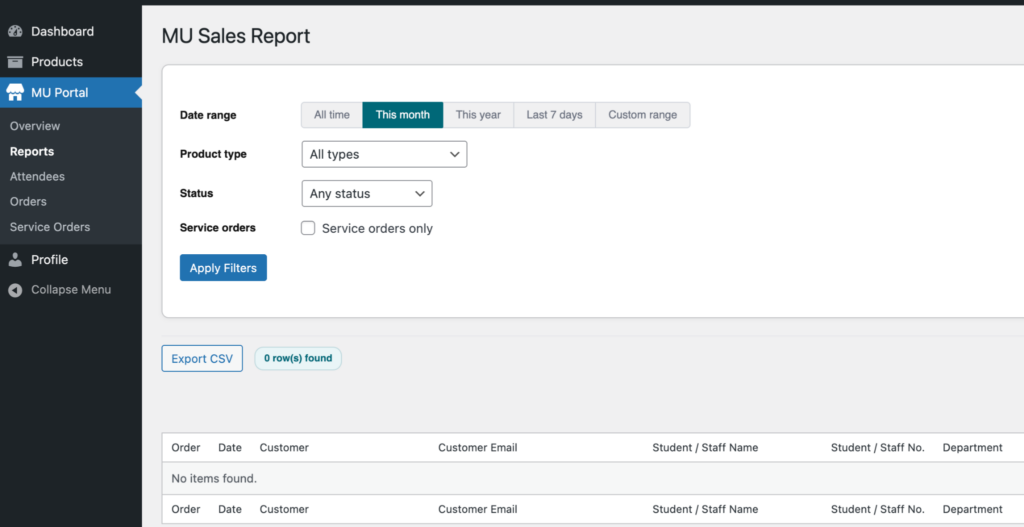
The Reports section allows you to view reporting data related to your department’s products and sales activity. On this screen, you will only see data relevant to your own department.
Reports can be filtered by date range, including All Time, Month, Year, Last 7 Days, or a custom date range. Additional filters are available for product type and status, helping you refine the data displayed.
MU Administrators have access to sales report data across all users and departments.
Attendees #
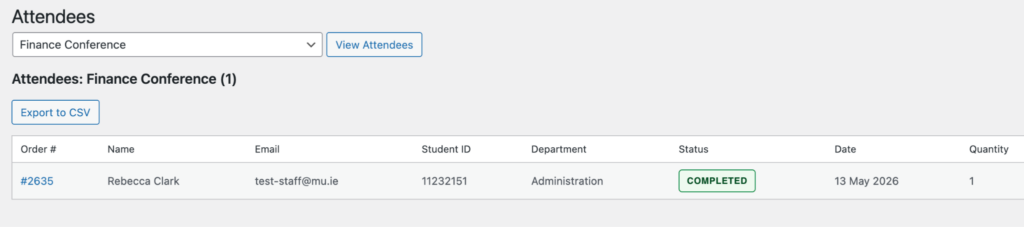
Attendees shows an attendee manifest for an event. This can be used to quickly check numbers at an event and exported to CSV to be used as a sign in sheet.
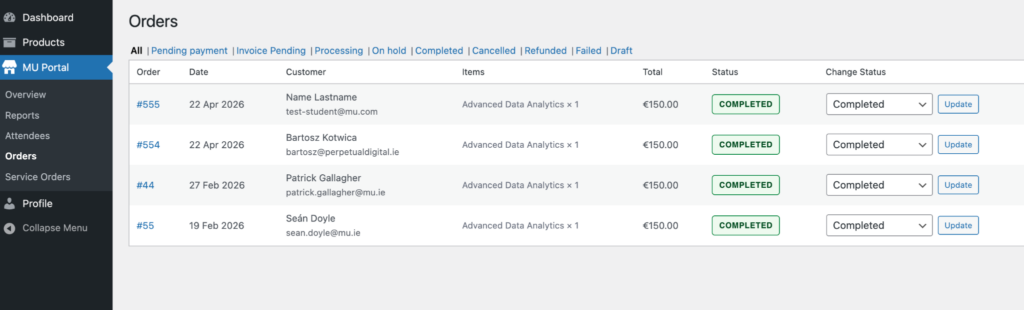
Orders #
The orders section holds all orders pertaining to your department. When a customer orders you will receive an email to let you know an order has been placed. You can view, manage and distribute your orders within the orders screens.